

EverDocs
Document scanner and PDF toolkit for iPhone and iPad
Scan paperwork, assemble PDFs, and get files ready to share. EverDocs keeps your edits in one working copy as you switch tools, so you can organize, sign, and compress a document before exporting it.
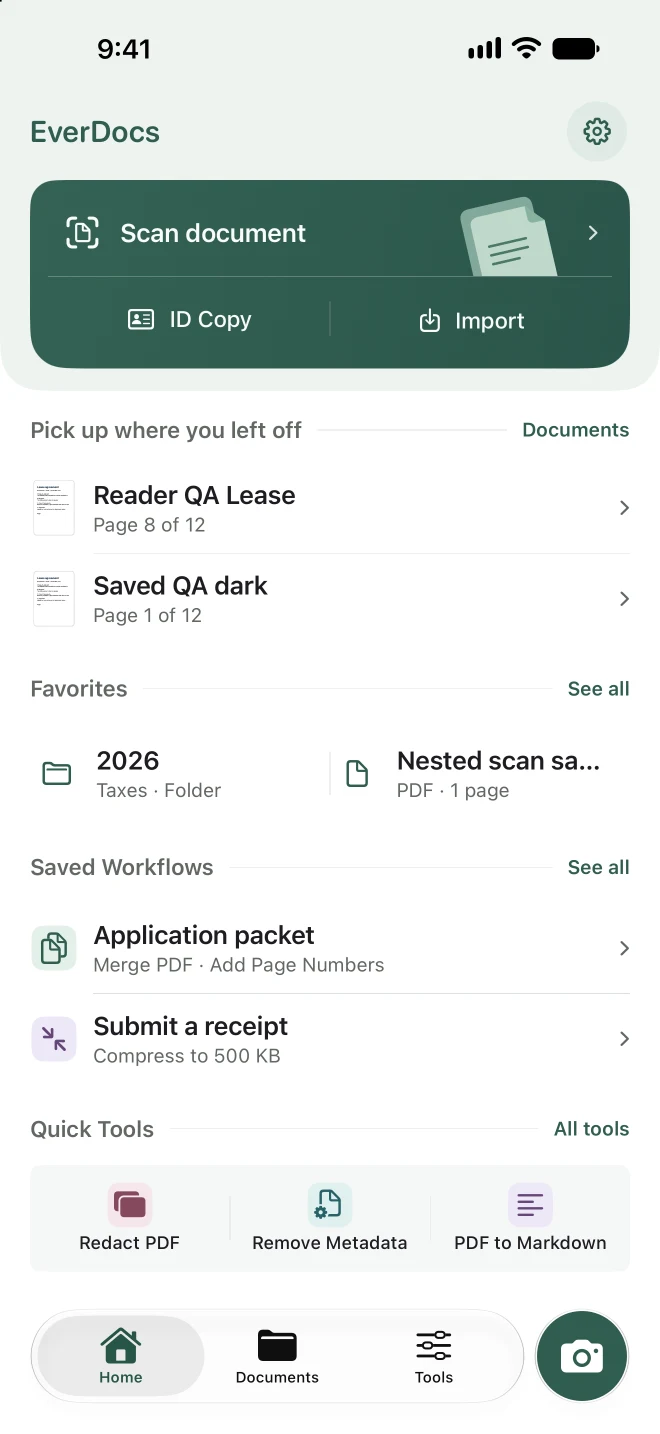
Start a scan, copy an ID, or pick up a document where you left off.
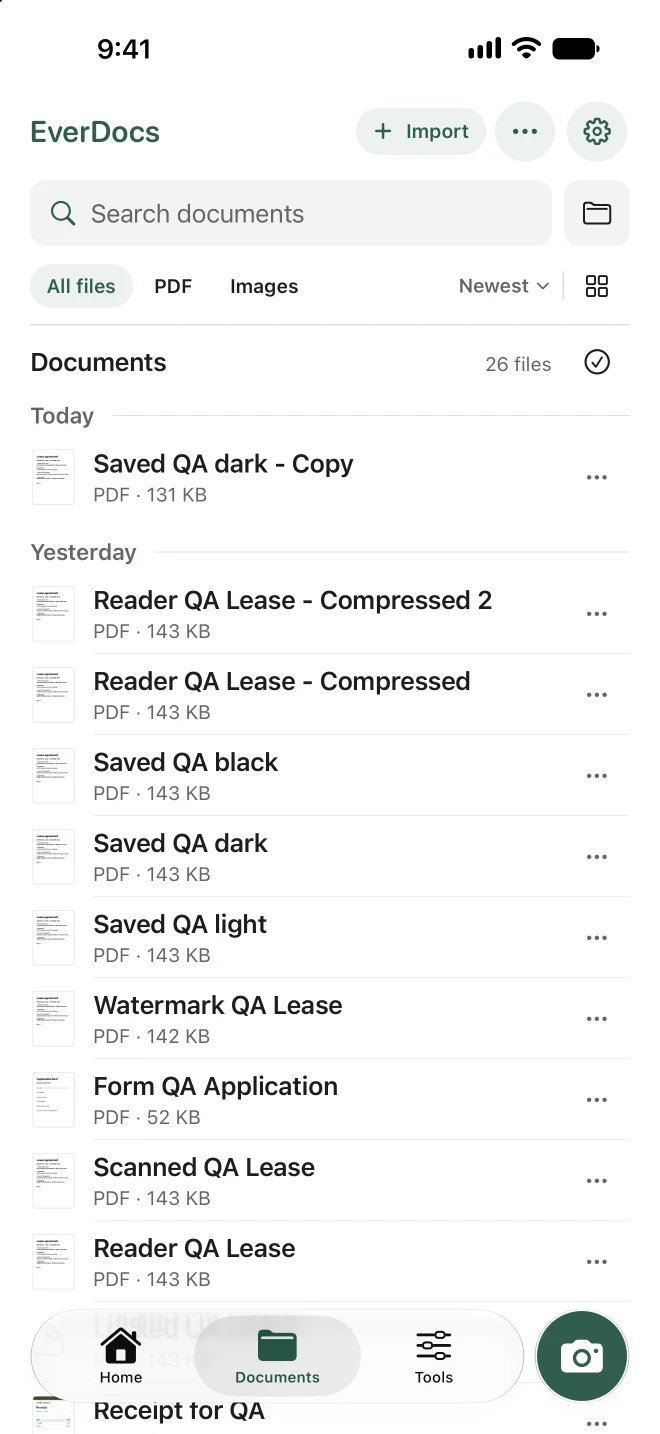
Find saved PDFs and images in one library with search and file filters.
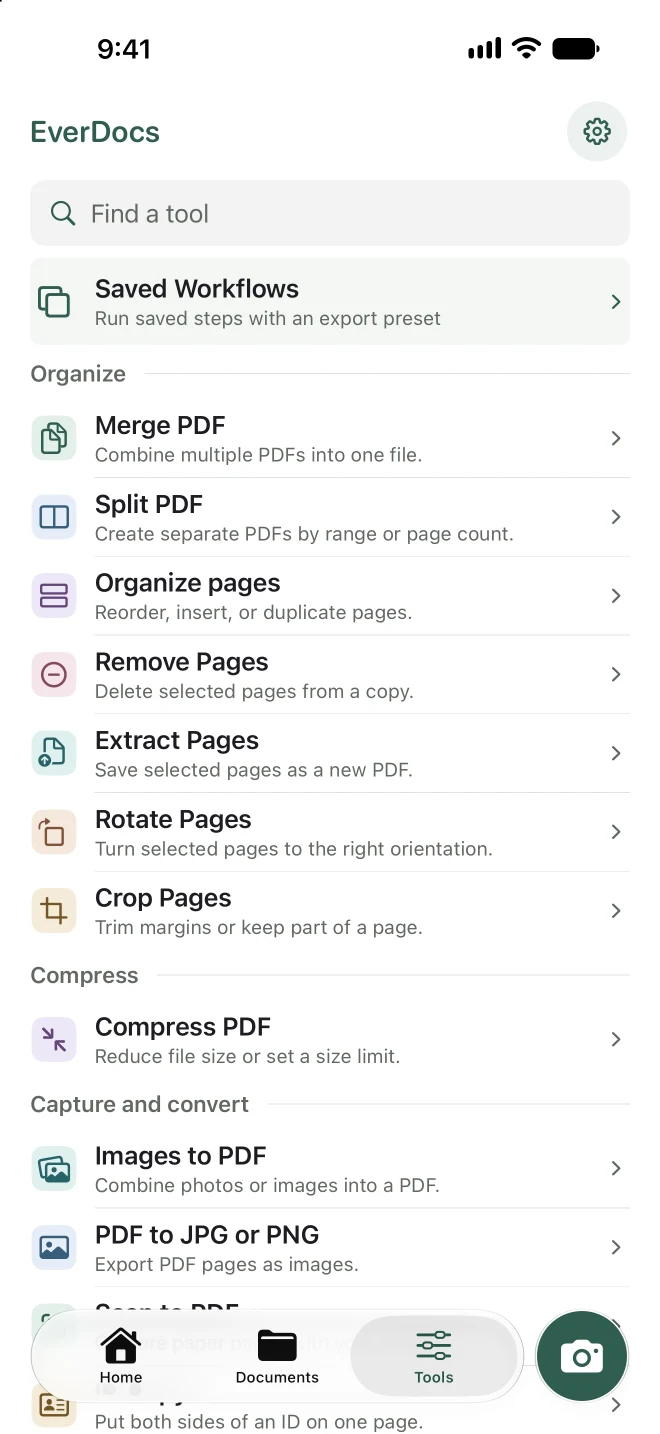
Find the PDF tool you need or run a workflow you’ve already saved.
What you can do with EverDocs
Scan paperwork and IDs
Capture several pages in one scan, adjust the corners, and save a PDF. Put the front and back of an ID on a single A4 or Letter page.
Organize, fill, and sign PDFs
Merge files, split by page range, and reorder pages by dragging thumbnails. Fill supported form fields or add text, checkmarks, and a handwritten signature.
Meet a file size limit
Enter a target size for an email attachment or upload. EverDocs shows the result and tells you if the file is still over the limit before you save.
Save steps you repeat
Save a workflow for jobs like assembling an application packet. Merge documents, add a watermark, and reuse the same filename pattern and export settings.
Document processing stays on your device
EverDocs works without an account. Keep files on your device or choose iCloud Drive when you save. Before sharing a copy, you can remove metadata, redact sensitive areas, or export a password-protected PDF.
Compatibility
iPhone with iOS 18 or later and iPad with iPadOS 18 or later.